The Most User-Friendly Financial Apps for Beginners
15 November 2026
Ah, the world of finance. A realm filled with confusing jargon, endless spreadsheets, and the occasional existential crisis about retirement savings. For beginners, diving into this ocean of numbers can feel like being tossed into the deep end without a life preserver. Thankfully, financial apps have emerged as the lifebuoys of this chaotic sea, promising to simplify budgeting, investing, and everything in between. But let's be real: not all financial apps are created equal. Some are user-friendly, while others seem designed by an alien race that thrives on confusion. So, let's break down the most user-friendly financial apps for beginners, complete with snarky commentary and real-world insights.
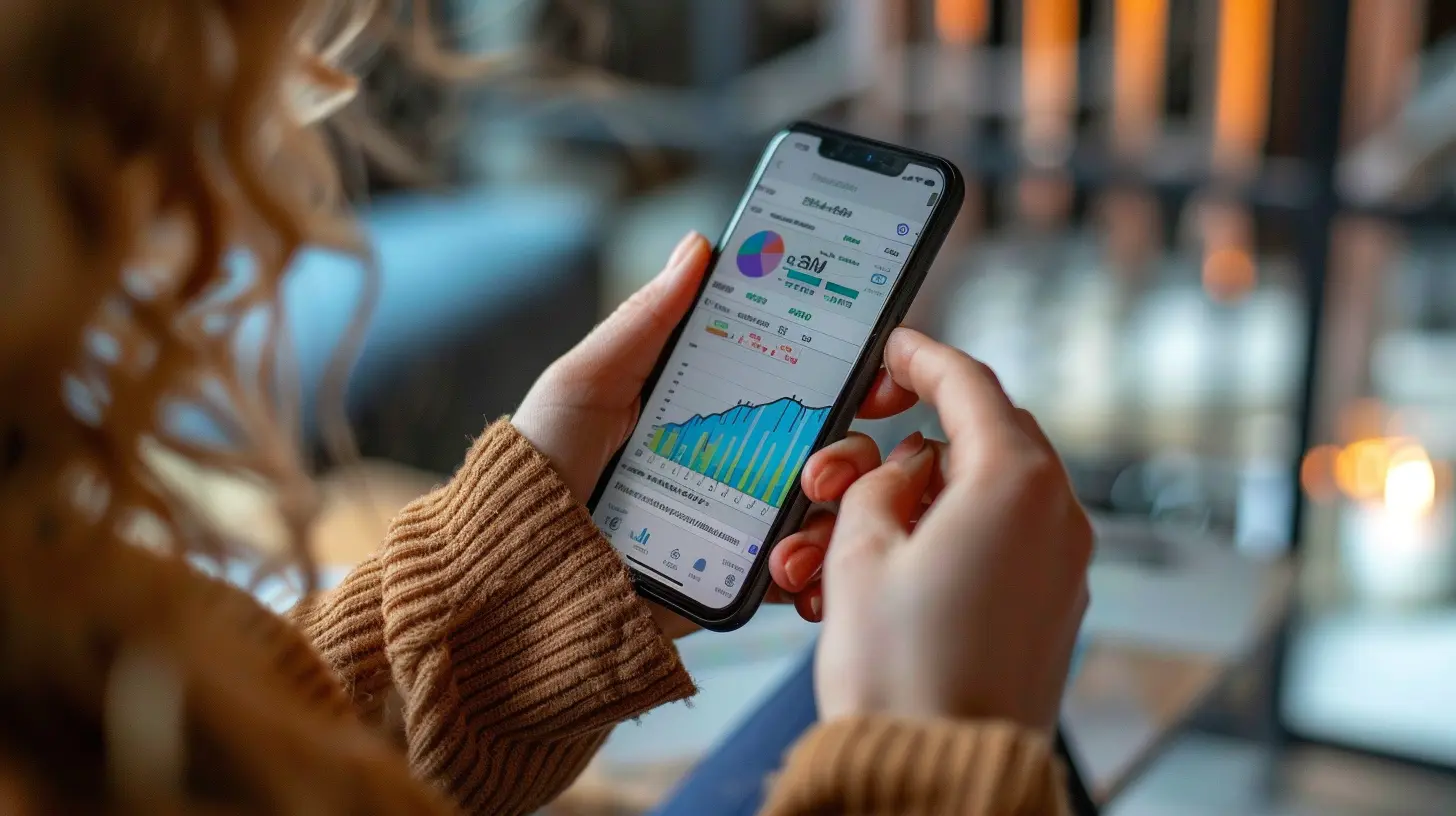
Why User-Friendliness Matters
Before we jump into the app reviews, let's address the elephant in the room: why should user-friendliness matter? Well, if you're a beginner, the last thing you want is to wrestle with an app that requires a PhD in rocket science to navigate. A user-friendly app allows you to focus on what really matters: your finances, not troubleshooting.The Importance of Intuitive Design
Intuitive design means that the app feels natural to use. It should guide you, not leave you scratching your head. Think of it like learning to ride a bike. You wouldn't want a bike with gears that shift only when you say "abracadabra."The Risk of Overcomplication
Many financial apps come packed with features that sound impressive but are often overkill for beginners. If you're just trying to track your spending, do you really need an app that also connects to your smart fridge and monitors your cholesterol levels? Probably not.
The Contenders: Top User-Friendly Financial Apps
1. Mint
Overview: Mint is the granddaddy of budgeting apps. It's like the Swiss Army knife of personal finance, minus the potential for injury.User Experience: The interface is clean and straightforward. You can quickly link your bank accounts, credit cards, and even loans to get a comprehensive view of your finances. Mint categorizes your transactions automatically, so you can see where your money goes without manually entering every latte purchase.
Pros:
- Free to use (because who wants to pay for budgeting?)
- Automatic transaction categorization
- Bill reminders to avoid late fees
Cons:
- Ads for financial products can be distracting
- Some users report occasional glitches with transaction syncing
When to Use: If you want a no-frills way to track your spending and budget, Mint is your go-to.
2. YNAB (You Need A Budget)
Overview: YNAB takes a more hands-on approach to budgeting. It's like the personal trainer for your finances, pushing you to take control.User Experience: The interface is slightly less intuitive than Mint but offers a wealth of resources to help you understand budgeting principles.
Pros:
- Focuses on proactive budgeting (you assign every dollar a job)
- Educational resources and a supportive community
Cons:
- Monthly fee (because nothing says "budgeting" like paying for it)
- Steeper learning curve for absolute beginners
When to Use: If you are committed to changing your financial habits and are willing to invest a little time and money, YNAB can be transformative.
3. PocketGuard
Overview: PocketGuard is like your financial bodyguard. It helps you understand how much disposable income you have after accounting for bills, goals, and necessities.User Experience: The app is visually appealing and easy to navigate. You can see a simple breakdown of your finances at a glance.
Pros:
- Simple, straightforward interface
- "In My Pocket" feature shows how much you can spend
Cons:
- Limited features compared to Mint and YNAB
- Some users find it lacks depth for advanced budgeting
When to Use: If you want a quick snapshot of your finances without getting bogged down in details, PocketGuard is a solid choice.
4. Personal Capital
Overview: Personal Capital is the investment-savvy cousin of budgeting apps. It combines budgeting with investment tracking, making it perfect for those who want to keep an eye on their wealth.User Experience: The app is sleek and offers a wealth of data visualizations that make understanding your financial health easier.
Pros:
- Comprehensive view of both spending and investments
- Retirement planning tools
Cons:
- More focused on investments, which may overwhelm beginners
- Some features are only available with a financial advisor
When to Use: If you are starting to think about investing and want to track your overall financial picture, Personal Capital is worth considering.
5. GoodBudget
Overview: GoodBudget is a modern take on the envelope budgeting system. It's like having virtual envelopes for your various spending categories.User Experience: The app is straightforward and easy to use. You can set up your envelopes and track your spending without linking your bank accounts.
Pros:
- Encourages mindful spending
- No bank linking means increased privacy
Cons:
- Manual entry can be tedious
- Limited features compared to other apps
When to Use: If you prefer a hands-on approach to budgeting and want to avoid bank linking, GoodBudget could be your best friend.

Common Mistakes to Avoid
Using financial apps can be a game changer, but there are pitfalls to watch out for. Here are some common mistakes beginners make:Ignoring the Learning Curve
Many beginners expect to become financial wizards overnight. While some apps are user-friendly, they still require a bit of time to understand fully. Don't throw in the towel after one confusing session.Not Setting Goals
Using an app without clear financial goals is like sailing without a map. Decide what you want to achieve: saving for a vacation, paying off debt, or investing for retirement.Skipping Regular Check-Ins
Just because you have an app doesn't mean you can set it and forget it. Regularly check your financial status to stay on track. Make it a habit-like brushing your teeth but way more exciting.
Best Practices for Using Financial Apps
Choose the Right App for Your Needs
Not every app is suitable for every person. Assess your financial situation and choose an app that aligns with your goals. If you're primarily looking to save, Mint might be better than Personal Capital, which is more investment-focused.Take Advantage of Tutorials
Most apps offer tutorials or help sections. Don't be too proud to use them. They can save you time and frustration.Regularly Update Your Information
For the best results, keep your transactions updated. This is especially crucial for budgeting apps. If you don't enter your spending, how will you know where your money is going?Stay Informed About Security Features
Security is paramount when it comes to financial apps. Make sure the app you choose has robust security measures in place. Look for features like two-factor authentication and data encryption.Conclusion
Navigating the world of personal finance doesn't have to feel like rocket science. With the right user-friendly financial app, you can take charge of your money without pulling your hair out. Whether you opt for Mint's simplicity, YNAB's proactive approach, or Personal Capital's investment tracking, the key is to find an app that resonates with your financial goals and personal style.Remember, the best app is the one that you will use consistently. So, take your time, explore your options, and don't be afraid to switch things up if one app isn't working for you. Your financial future is worth the effort.
all images in this post were generated using AI tools
Category:
Financial AppsAuthor:

Julia Phillips